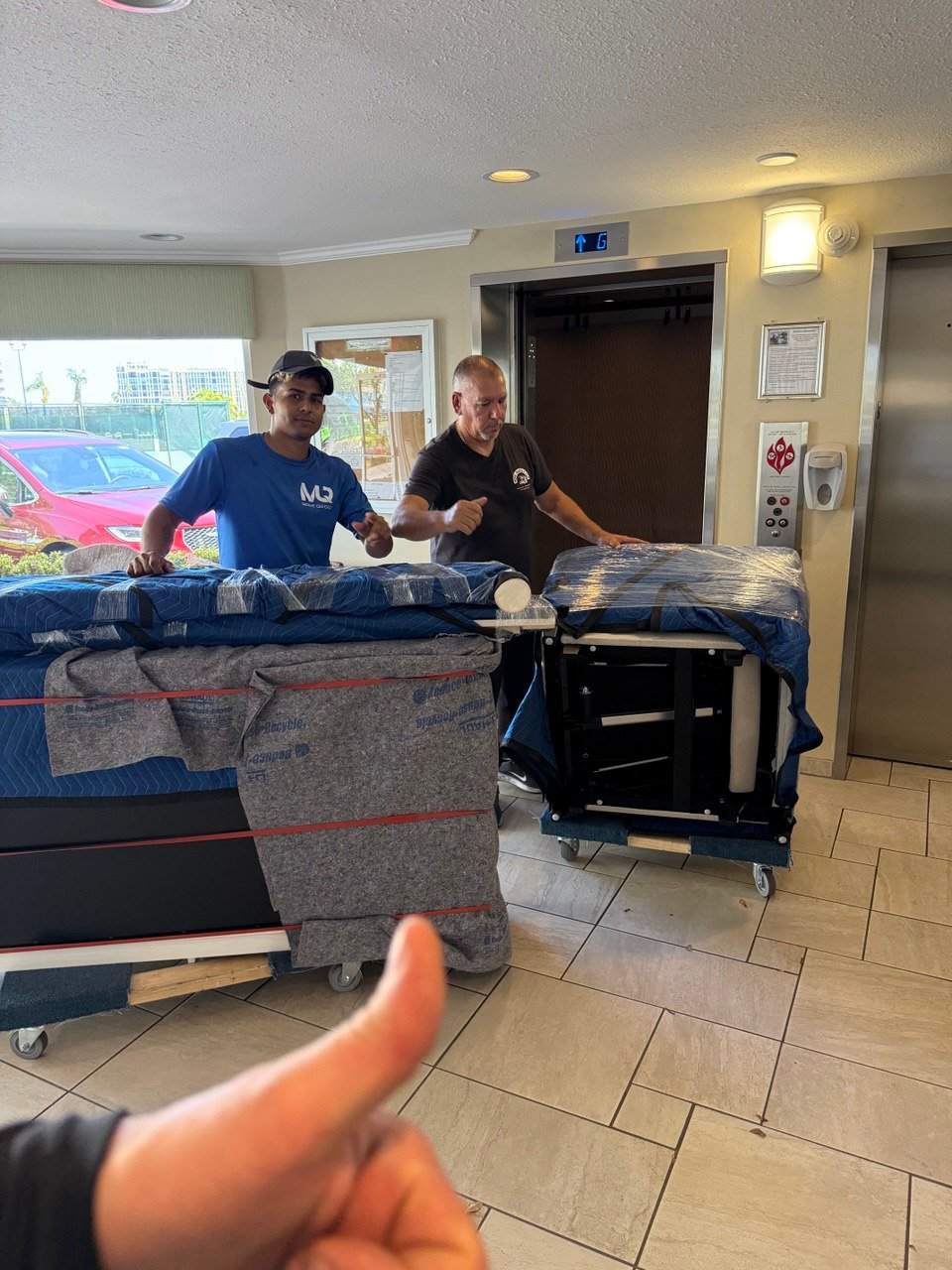
Office Moving Tips in Tampa, FL: How to Plan a Smooth Business Relocation
Moving an office takes more than just boxes and a truck. A successful business relocation requires planning, communication, timing, and the right moving team to keep downtime as low as possible.
If your company is preparing for an office move in Tampa, FL, the best approach is to start early and work from a clear checklist. From IT setup to employee communication, these tips can help your business move more efficiently and with less disruption.
Start Planning Earlier Than You Think
Office move checklists commonly recommend starting the planning process months in advance, especially for larger businesses, because you may need time for lease coordination, layout planning, vendor scheduling, and internal communication.[web:111][web:117]
Even smaller Tampa offices benefit from early planning, since tasks like internet installation, furniture setup, and access approvals can create delays if they are left until the last minute.[web:111][web:114]
Assign an Internal Move Coordinator
One of the most helpful first steps is choosing one person, or a small internal team, to manage the relocation process. Office relocation guides consistently recommend having a dedicated move manager so employees, vendors, and movers all have a clear point of contact.[web:111][web:119]
This person can keep track of deadlines, communicate with the moving company, coordinate building access, and make sure nothing important gets missed before moving day.[web:112][web:115]
Create a Detailed Office Inventory
Before you request a final quote, create a list of what is being moved. That includes desks, chairs, conference tables, filing cabinets, electronics, printers, breakroom items, and anything else that will go to the new location.[web:119][web:120]
An accurate inventory helps your mover estimate labor, truck size, and packing needs more realistically. It also helps your business decide what should be moved, donated, replaced, or discarded before the relocation.[web:111][web:115]
Plan for IT and Equipment Setup
Technology is one of the most important parts of any office relocation. Business moving checklists recommend scheduling internet, phones, and utility services in advance and making sure computer systems, Wi-Fi, and key equipment can be tested as soon as possible in the new office.[web:111][web:117]
If your company depends on phones, servers, or specialized devices, make a specific plan for shutdown, transport, setup, and testing. The goal is to reduce downtime and avoid unnecessary interruptions to your operations.[web:117][web:119]
Confirm Building Rules and Access
Tampa office moves often involve loading docks, elevator reservations, parking limits, insurance requirements, or move-in and move-out time restrictions. Commercial moving checklists specifically recommend confirming these details with both buildings well before moving day.[web:111][web:114]
Knowing the rules ahead of time helps your movers work faster and keeps the relocation on schedule. It also reduces the chance of delays caused by access problems or miscommunication.[web:111][web:112]
Use a Clear Labeling System
Every box, piece of furniture, and equipment item should be labeled by department, employee, or destination area in the new office. Commercial moving checklists often stress labeling because it makes unloading and setup much easier.[web:112][web:119]
A simple system can save hours during unpacking. For example, you can label by room, team, or workstation number so each item goes directly where it belongs.[web:112][web:114]
Communicate With Employees Early
Employees need clear updates about timing, expectations, packing responsibilities, and how the move will affect daily operations. Office relocation planning guides recommend regular communication so the team stays informed and prepared.[web:111][web:119]
This is especially important if employees are responsible for personal desk items, files, or equipment. Clear instructions reduce confusion and help the move stay organized.[web:115][web:119]
Update Your Business Information
Office move checklists often remind businesses to update their address across key places such as Google Business Profile, website pages, vendor records, banks, and mailing information.[web:115][web:117]
This step is easy to overlook, but it matters for customer communication, search visibility, billing, and general business continuity.[web:115]
Hire Movers With Commercial Experience
Commercial relocations are different from standard household moves. Tampa business moving guides recommend choosing a mover with real office relocation experience, clear communication, and the ability to coordinate around schedules, access rules, and business equipment.[web:111][web:116][web:118]
Before hiring a company, ask whether they have experience with offices, what their moving process looks like, and how they handle furniture, workstations, electronics, and timing-sensitive moves.[web:116][web:118]
Prepare for Moving Day
On moving day, your coordinator should be available to answer questions, direct the crew, and help confirm where items should be placed in the new space. Office moving checklists also recommend doing a final walkthrough of the old office to make sure nothing is left behind.[web:112][web:115]
Good communication on moving day helps everything run faster and smoother. The more organized the plan is ahead of time, the easier the execution will be.[web:119][web:112]
Make Your Tampa Office Move Easier
A smooth office relocation depends on planning, labeling, communication, and choosing the right moving partner. When those pieces are in place, businesses can relocate with less downtime and less stress.[web:111][web:117]
At Move Quickly LLC, we understand that office moves require organization, speed, and careful handling. If your business is planning a commercial move in Tampa Bay, a detailed plan and reliable movers can make a major difference from start to finish.[cite:3]
Frequently Asked Questions
How early should I start planning an office move?
Many office relocation checklists recommend starting months in advance, especially for larger offices or moves with building restrictions and IT coordination needs.[web:111][web:117]
What should be included in an office moving checklist?
A strong checklist should include inventory planning, employee communication, IT setup, building access, labeling, vendor coordination, and moving day responsibilities.[web:111][web:119]
Why is labeling important for an office move?
Labeling helps movers place items correctly and makes unpacking faster by identifying departments, rooms, or employee workstations in the new location.[web:112][web:119]
What makes office moving different from residential moving?
Office moves usually involve more coordination with technology, employees, building management, access rules, and downtime reduction than a standard household move.[web:111][web:116]